In this walk through, we will be going through the Linux Modules room from Tryhackme. This room is rated as Easy on the platform and we will learn about the different Linux Modules in great detail. So, let’s get started without any delay.
Table of Contents
Task 1 – Let’s Introduce
Question 1 – Read the above.
Done
Task 2 – du
Question 1 – Read the above.
Done
Task 3 – Grep, Egrep, Fgrep
Question 1 – Read the above
DoneQuestion 2 – Is there a difference between egrep and fgrep? (Yea/Nay)
YeaQuestion 3 – Which flag do you use to list out all the lines NOT containing the ‘PATTERN’?
-vQuestion 4 – Download the above given file and answer the following questions.
DoneQuestion 5 – What user did you find in that file?
grep -i User grep.txt

bobthebuilderQuestion 6 – What is the password of that user?
grep -i Password grep.txt

LinuxIsGawdQuestion 7 – Can you find the comment that user just left?
grep -i comment grep.txt

fs0ciety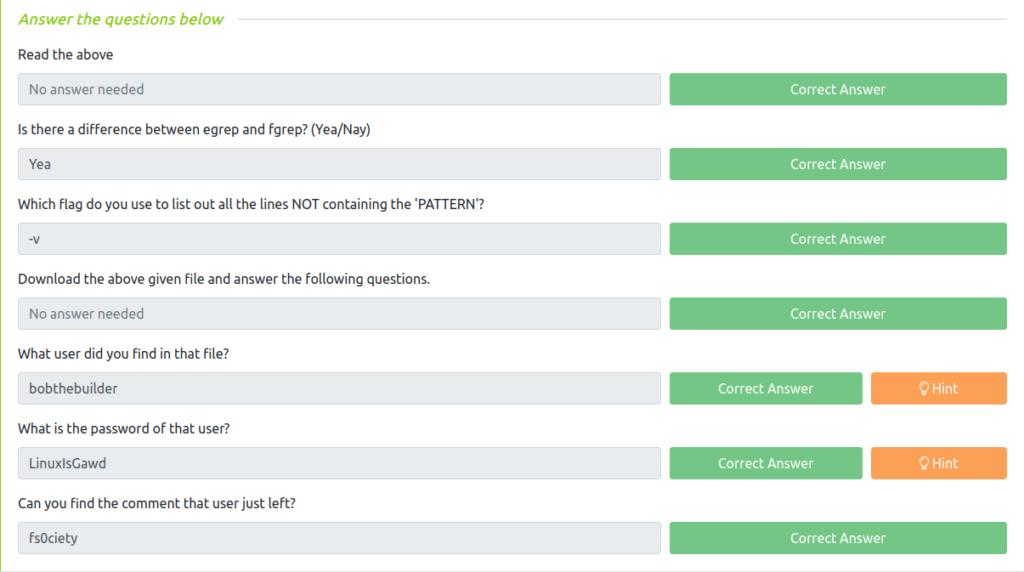
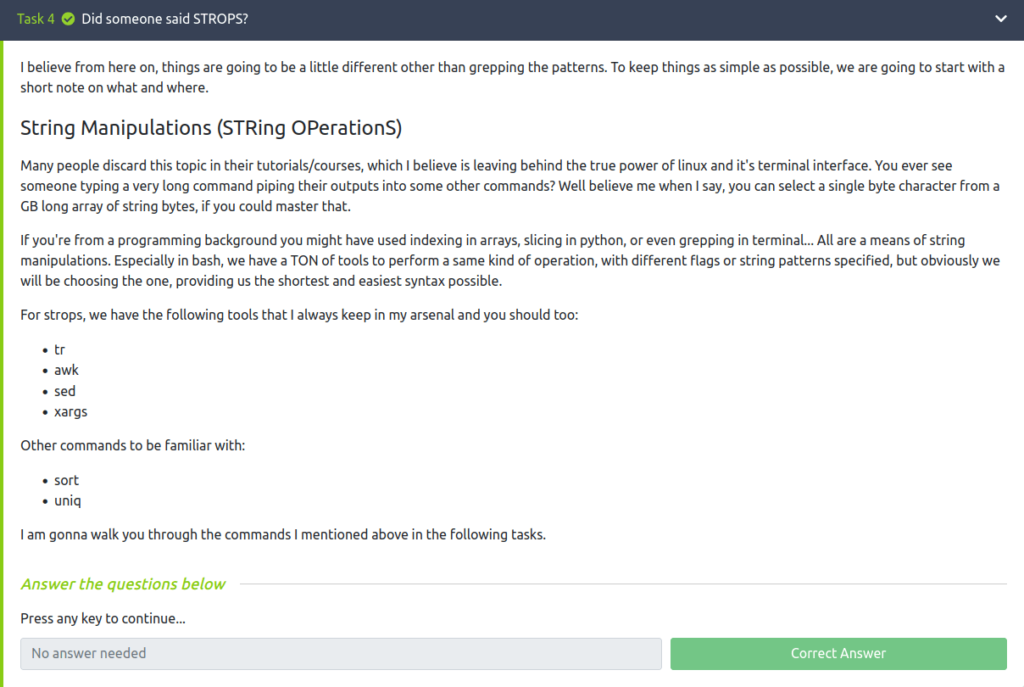
Task 4 – Did someone said STROPS?
Task 5 – tr
Question 1 – Read the Above.
DoneQuestion 2 – Run tr –help command and tell how will you select any digit character in the string?

:digit:Question 3 – What sequence is equivalent to [a-zA-Z] set?

:alpha:Question 4 – What sequence is equivalent to selecting hexadecimal characters?

:xdigit: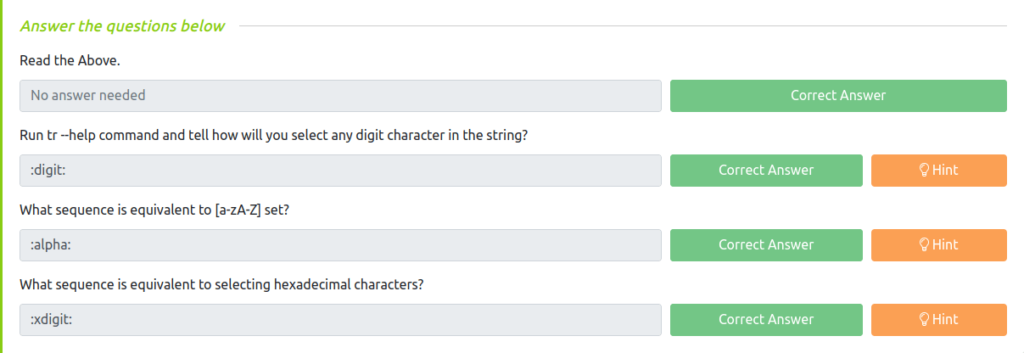
Task 6 – awk
Question 1 – Read the above.
DoneQuestion 2 – Download the above given file, and use awk command to print the following output:
_ippsec:34024
john:50024
thecybermentor:25923
liveoverflow:45345
nahamsec:12365
stok:1234
wh1terose@fsociety:~/CTF/TryHackme/Linux Modules$ awk 'BEGIN{FS=" "; OFS=":"} {print $1,$4}' awk.txt
ippsec:34024
john:50024
thecybermentor:25923
liveoverflow:45345
nahamsec:12365
stok:1234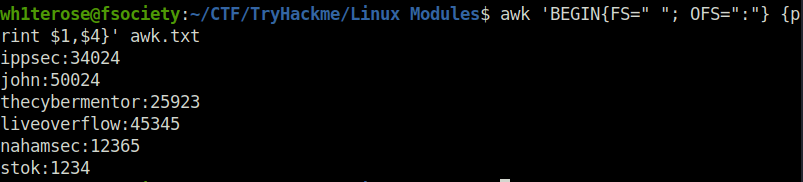
awk 'BEGIN{FS=" "; OFS=":"} {print $1,$4}' awk.txtQuestion 3 – How will you make the output as following (there can be multiple; answer it using the above specified variables in BEGIN pattern):
ippsec, john, thecybermentor, liveoverflow, nahamsec, stok,
wh1terose@fsociety:~/CTF/TryHackme/Linux Modules$ awk 'BEGIN{ORS=","} {print $1}' awk.txt
ippsec,john,thecybermentor,liveoverflow,nahamsec,stok
awk 'BEGIN{ORS=","} {print $1}' awk.txt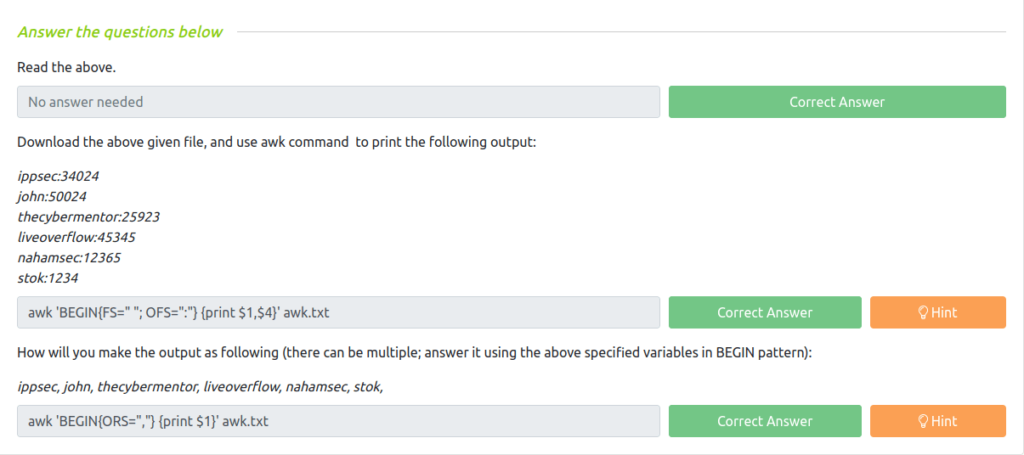
Task 7 – sed
Question 1 – How would you substitute every 3rd occurrence of the word ‘hack’ to ‘back’ on every line inside the file file.txt?
sed 's/hack/back/3g' file.txtQuestion 2 – How will you do the same operation only on 3rd and 4th line in file.txt?
sed '3,4 s/hack/back/3g' file.txtQuestion 3 – Download the given file, and try formatting the trailing spaces in sed1.txt with a colon(:).
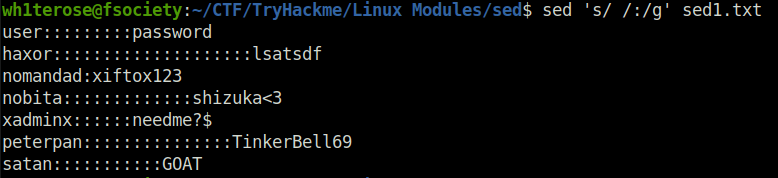
sed 's/ /:/g' sed1.txtQuestion 4 – View the sed2 file in the directory. Try putting all alphabetical values together, to get the answer for this question.
sed 's/[[:digit:]]//g' sed2.txt
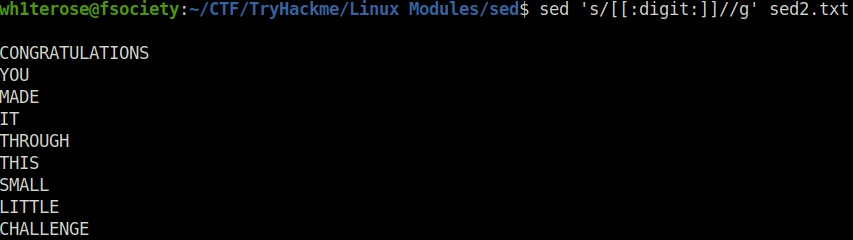
CONGRATULATIONS YOU MADE IT THROUGH THIS SMALL LITTLE CHALLENGEQuestion 5 – What pattern did you use to reach that answer string?
sed 's/[[:digit:]]//g'Question 6 – What did she sed?(In double quotes)
"That's What"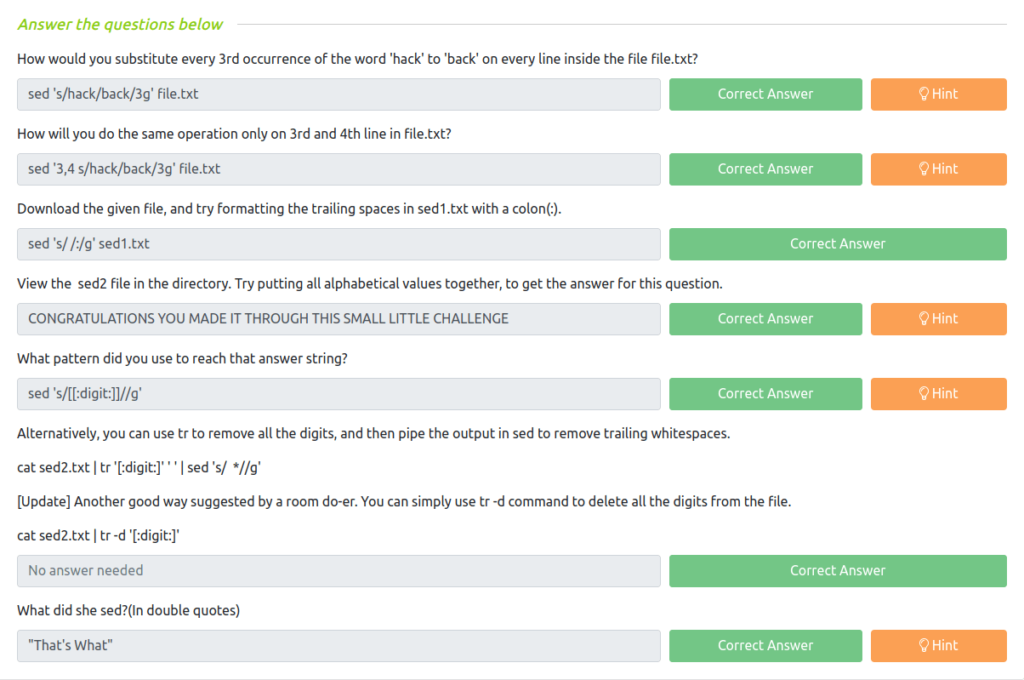
Task 8 – xargs
Question 1 – Read the above.
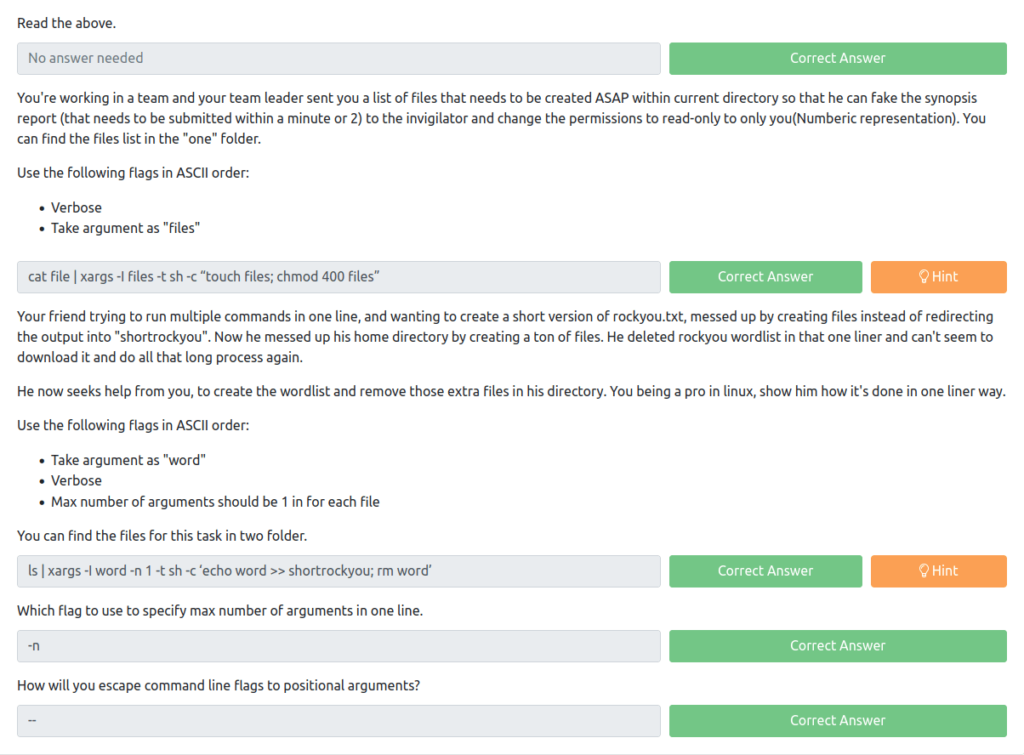
DoneQuestion 2 – You’re working in a team and your team leader sent you a list of files that needs to be created ASAP within current directory so that he can fake the synopsis report (that needs to be submitted within a minute or 2) to the invigilator and change the permissions to read-only to only you(Numberic representation). You can find the files list in the “one” folder.
Use the following flags in ASCII order:
- Verbose
- Take argument as “files”
cat file | xargs -I files -t sh -c “touch files; chmod 400 files”Question 3 – Your friend trying to run multiple commands in one line, and wanting to create a short version of rockyou.txt, messed up by creating files instead of redirecting the output into “shortrockyou”. Now he messed up his home directory by creating a ton of files. He deleted rockyou wordlist in that one liner and can’t seem to download it and do all that long process again.
He now seeks help from you, to create the wordlist and remove those extra files in his directory. You being a pro in linux, show him how it’s done in one liner way.
Use the following flags in ASCII order:
- Take argument as “word”
- Verbose
- Max number of arguments should be 1 in for each file
You can find the files for this task in two folder.
ls | xargs -I word -n 1 -t sh -c ‘echo word >> shortrockyou; rm word’Question 3 – Which flag to use to specify max number of arguments in one line.
-nQuestion 4 – How will you escape command line flags to positional arguments?
--
Task 9 – sort and uniq
Question 1 – Read the above.
DoneQuestion 2 – Download the file given for this task, find the uniq items after sorting the file. What is the 2271st word in the output.
wh1terose@fsociety:~/CTF/TryHackme/Linux Modules$ sort test.test | uniq > sorted.txt
wh1terose@fsociety:~/CTF/TryHackme/Linux Modules$ cat -n sorted.txt | grep 2271
  2271	lollol

lollolQuestion 3 – What was the index of term ‘michele’
cat -n sorted.txt | grep michele

2550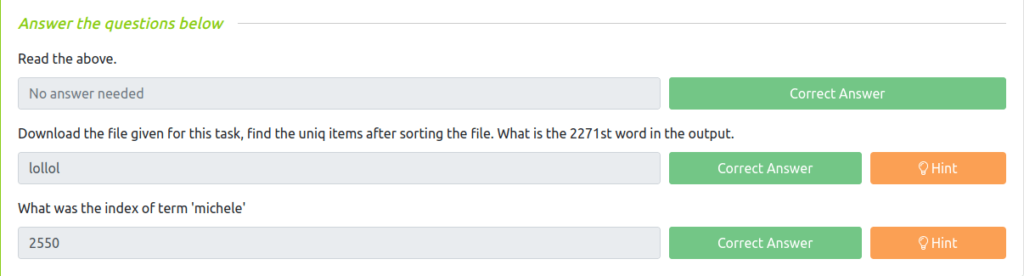
Task 10 – cURL
Question 1 – Read the above
DoneQuestion 2 – Which flag allows you to limit the download/upload rate of a file?
--limit-rateQuestion 3 – How will you curl the webpage of https://tryhackme.com/ specifying user-agent as ‘juzztesting’
curl -A 'juzztesting' https://tryhackme.comQuestion 4 – Can curl perform upload operations?(Yea/Nah)
Yea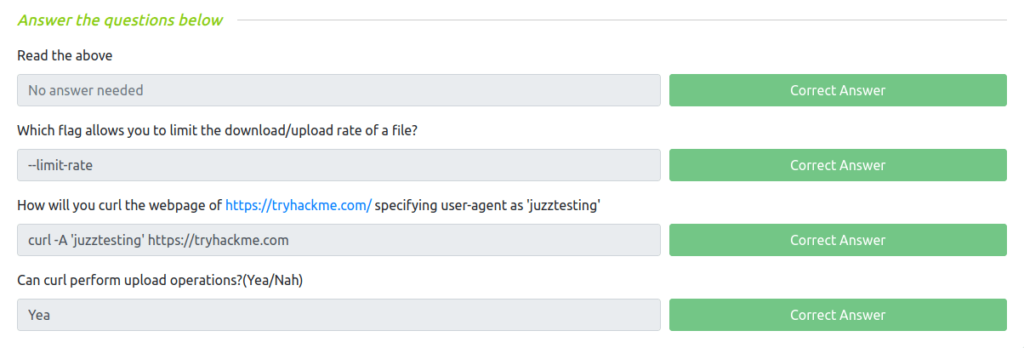
Task 11 – wget
Question 1 – Read the above
DoneQuestion 2 – How will you enable time logging at every new activity that this tool initiates?
-NQuestion 3 – What command will you use to download https://xyz.com/mypackage.zip using wget, appending logs to an existing file named “package-logs.txt”
wget -O package-logs.txt https://xyz.com/mypackage.zipQuestion 4 – Write the command to read URLs from “file.txt” and limit the download speed to 1mbps.
wget -i file.txt --limit-rate=1m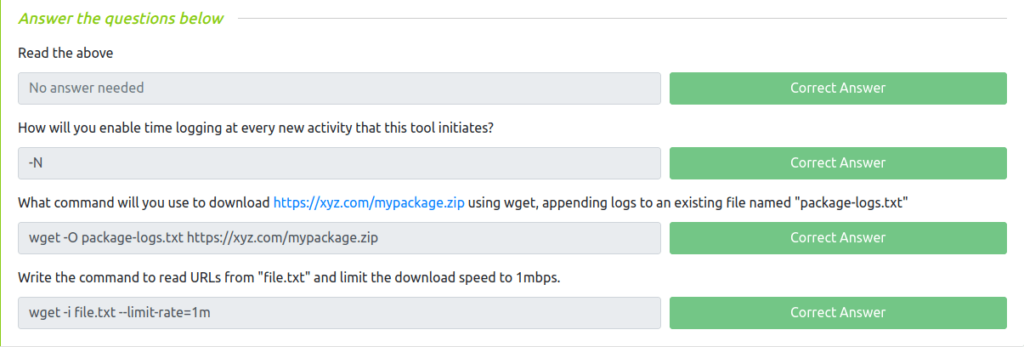
Task 12 – xxd
Question 1 – Read the above.
DoneQuestion 2 – How will you seek at 10th byte(in hex) in file.txt and display only 50 bytes?
xxd -s 0xa -l 50 -b file.txt Question 3 – How to display a n bytes of hexdump in 3 columns with a group of 3 octets per row from file.txt? (Use flags alphabetically)
xxd -c 9 -g 3 file.txtQuestion 4 – Which has more precedence over the other -c flag or -g flag?
-cQuestion 5 – Download the file and find the value of flag.
wh1terose@fsociety:~/CTF/TryHackme/Linux Modules$ echo 666c61677b776833736477306c7731676c396f7161736164326673343861737d0a | xxd -r -p
flag{wh3sdw0lw1gl9oqasad2fs48as}
flag{wh3sdw0lw1gl9oqasad2fs48as}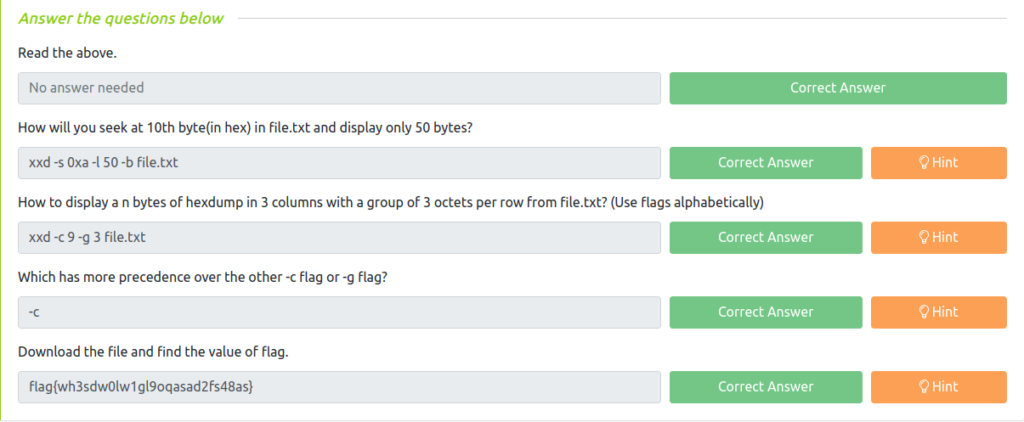
Task 13 – Other modules
Question 1 – Read the last learning task.
DoneQuestion 2 – It’s safe to run systemctl command and experiment on your main linux system neither following a proper guide or having any prior knowledge? (Right/Wrong)
WrongQuestion 3 – How will you import a given PGP private key. (Suppose the name of the file is key.gpg)
gpg --import key.gpgQuestion 4 – How will you list all port activity if netstat is not available on a machine? (Full Name)
socket statisticsQuestion 5 – What command can be used to fix a broken/irregular/weird acting terminal shell?
reset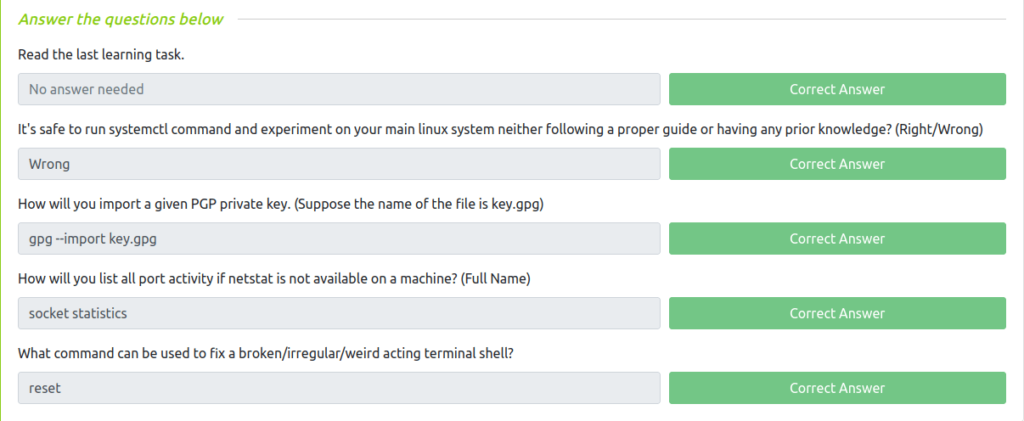
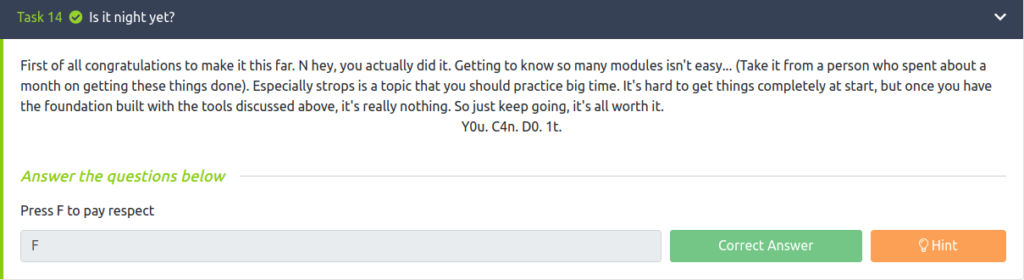
Task 14 – Is it night yet?
Also Read: Tryhackme – Introduction to Cryptography
So that was “Linux Modules” for you. We first started with the du command for disk usage. Then moved to Grep, Egrep and Fgrep for searching and filtering. Moving on, we performed string manipulation with tr, awk, sed and xargs. Next, looked into sort and uniq for sorting the data. At last, took a dive in curl, wget and xxd and completed the room. On that note, i would take your leave and will meet you in next one. Till then, “Happy hacking”.