In this walk through, we will be going through the Snort room from Tryhackme. This room will teach us how to use Snort to detect real-time threats, analyse recorded traffic files and identify anomalies. On that note, let’s get started.
Table of Contents
Task 1 – Introduction
Task 2 – Interactive Material and VM
Question 1 – Navigate to the Task-Exercises folder and run the command “./.easy.sh” and write the output
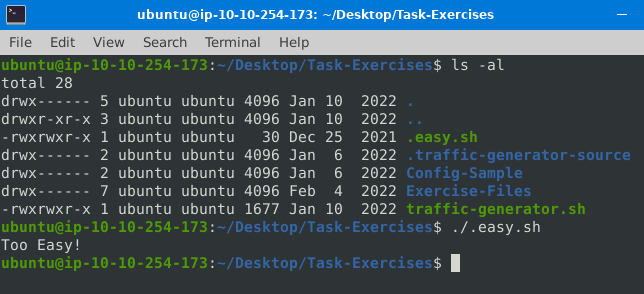
Too Easy!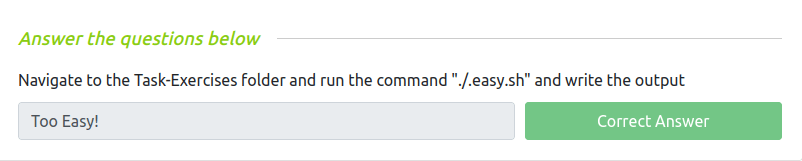
Task 3 – Introduction to IDS/IPS
Question 1 – Which snort mode can help you stop the threats on a local machine?
HIPSQuestion 2 – Which snort mode can help you detect threats on a local network?
NIDSQuestion 3 – Which snort mode can help you detect the threats on a local machine?
HIDSQuestion 4 – Which snort mode can help you stop the threats on a local network?
NIPSQuestion 5 – Which snort mode works similar to NIPS mode?
NBAQuestion 6 – According to the official description of the snort, what kind of NIPS is it?
full-blownQuestion 7 – NBA training period is also known as …
Baselining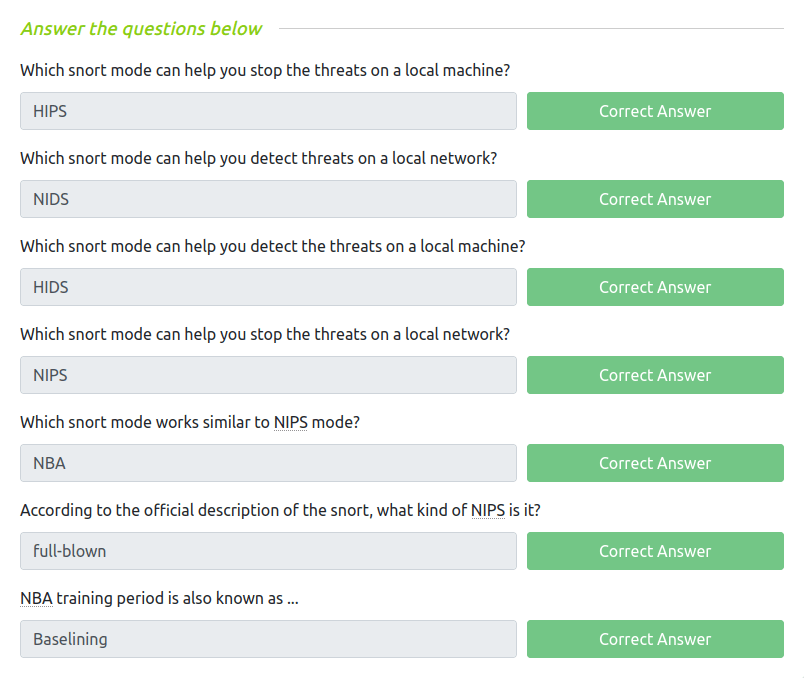
Task 4 – First Interaction with Snort
Question 1 – Run the Snort instance and check the build number.
snort --version
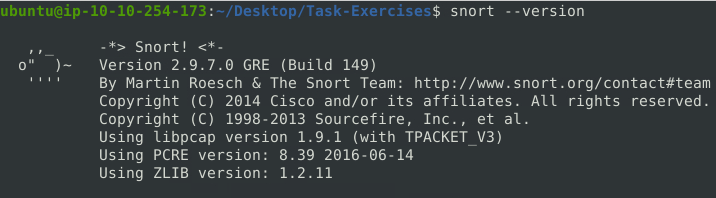
149Question 2 – Test the current instance with “/etc/snort/snort.conf” file and check how many rules are loaded with the current build.
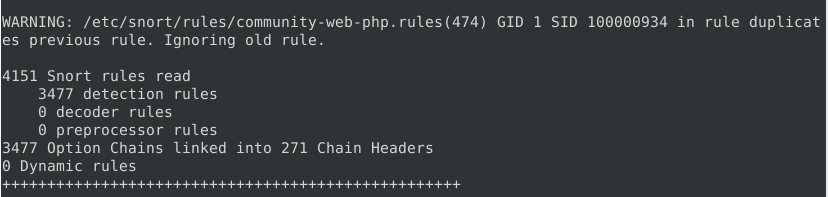
4151Question 3 – Test the current instance with “/etc/snort/snortv2.conf” file and check how many rules are loaded with the current build.
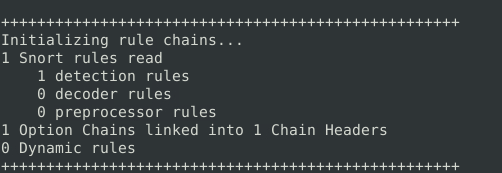
1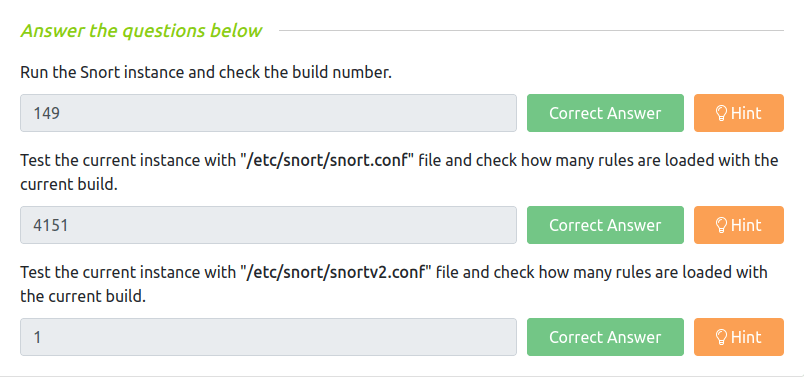
Task 5 – Operation Mode 1: Sniffer Mode
Question 1 – You can practice the parameter combinations by using the traffic-generator script.
DoneTask 6 – Operation Mode 2: Packet Logger Mode
Question 1 – Now, you should have the logs in the current directory. Navigate to folder “145.254.160.237”. What is the source port used to connect port 53?

3009Question 2 – Read the snort.log file with Snort; what is the IP ID of the 10th packet?
snort -r snort.log.1640048004 -n 10

49313Question 3 – Read the “snort.log.1640048004″ file with Snort; what is the referer of the 4th packet?
sudo snort -r snort.log.1640048004 -X -n 10
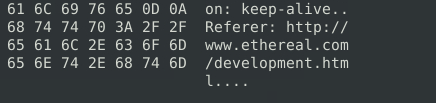
http://www.ethereal.com/development.htmQuestion 4 – Read the “snort.log.1640048004″ file with Snort; what is the Ack number of the 8th packet?
sudo snort -r <log file> -n 8

0x38AFFFF3Question 5 – Read the “snort.log.1640048004″ file with Snort; what is the number of the “TCP port 80” packets?
sudo snort -r snort.log.1640048004 'tcp port 80'
41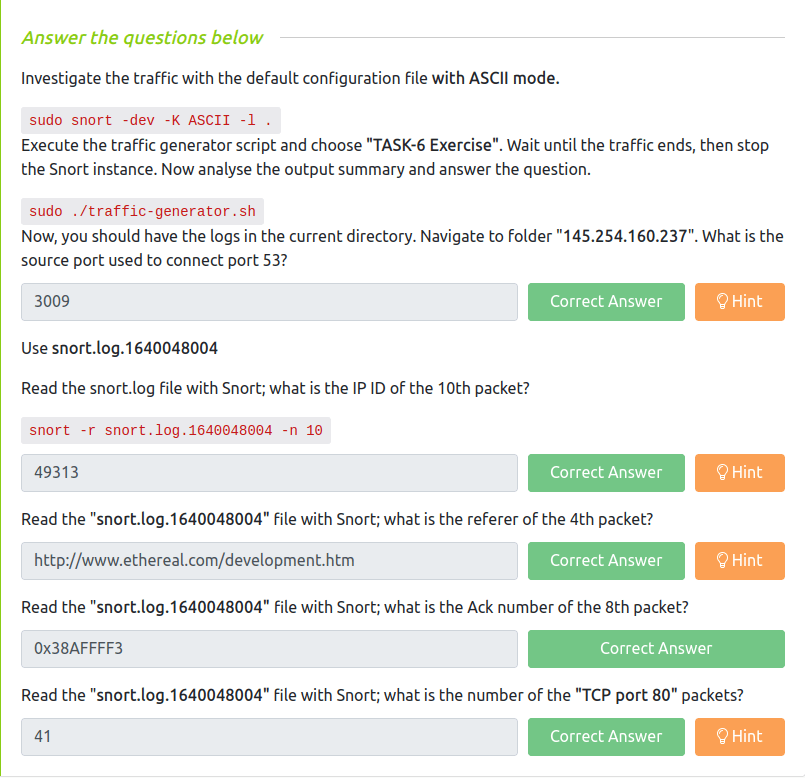
Task 7 – Operation Mode 3: IDS/IPS
Question 1 – What is the number of the detected HTTP GET methods?
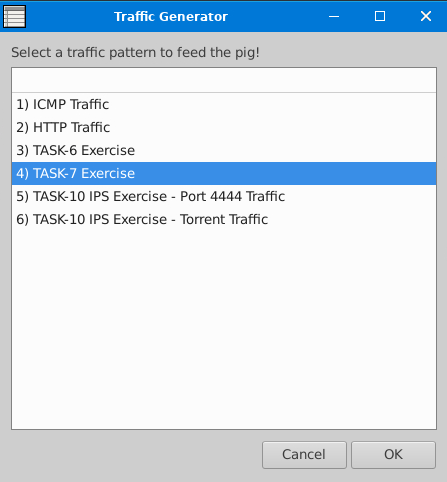
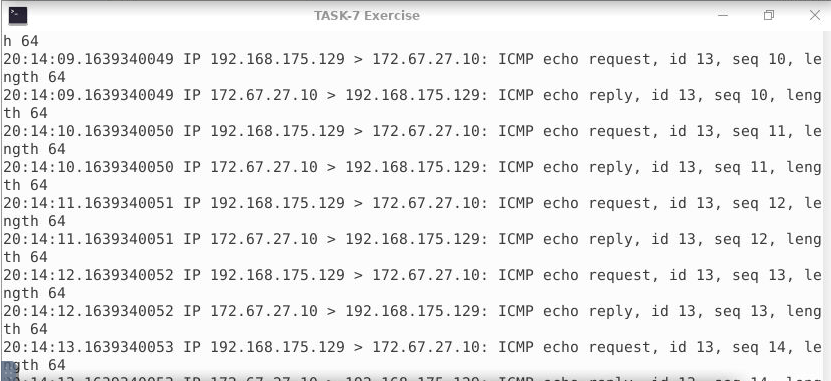
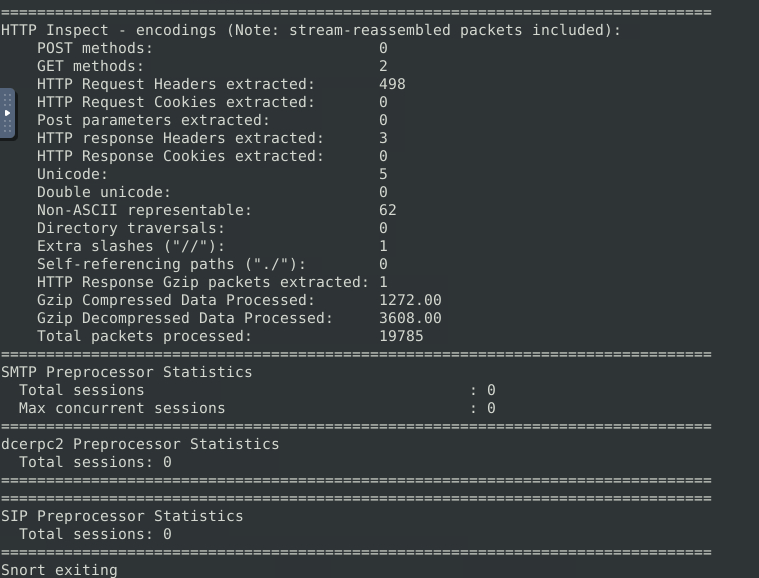
2Question 2 – You can practice the rest of the parameters by using the traffic-generator script.
Done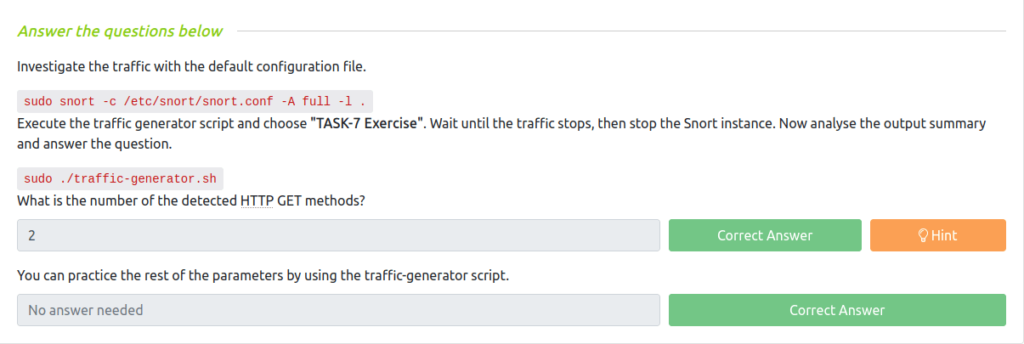
Task 8 – Operation Mode 4: PCAP Investigation
Question 1 – Investigate the mx-1.pcap file with the default configuration file.
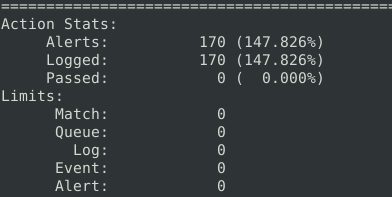
170Question 2 – Keep reading the output. How many TCP Segments are Queued?
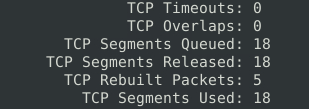
18Question 3 – Keep reading the output.How many “HTTP response headers” were extracted?
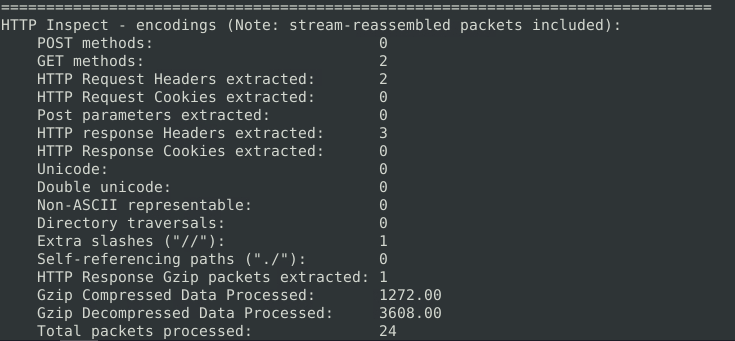
3Question 4 – Investigate the mx-1.pcap file with the second configuration file. What is the number of the generated alerts?
sudo snort -c /etc/snort/snortv2.conf -A full -l . -r mx-1.pcap
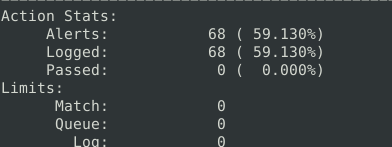
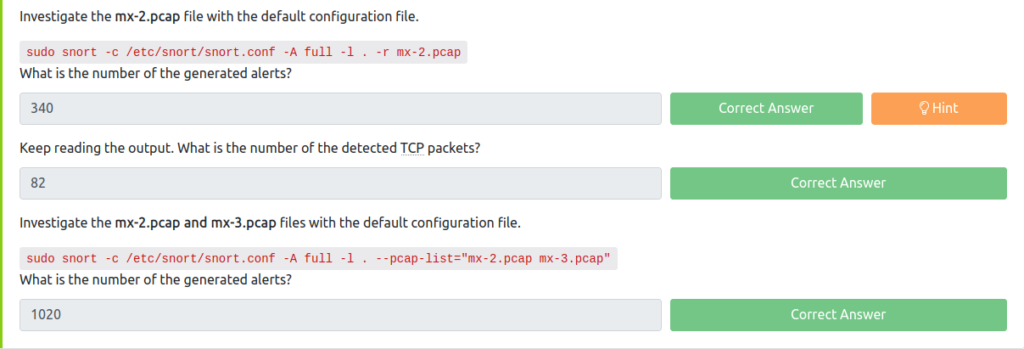
68Investigate the mx-2.pcap file with the default configuration file.
sudo snort -c /etc/snort/snort.conf -A full -l . -r mx-2.pcap
Question 5 – What is the number of the generated alerts?
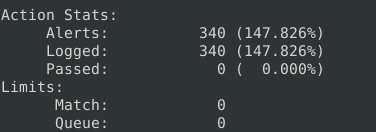
340Question 6 – Keep reading the output. What is the number of the detected TCP packets?
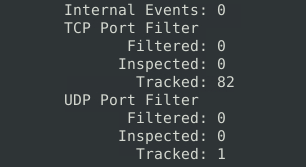
82Investigate the mx-2.pcap and mx-3.pcap files with the default configuration file.
sudo snort -c /etc/snort/snort.conf -A full -l . --pcap-list="mx-2.pcap mx-3.pcap"
Question 7 – What is the number of the generated alerts?
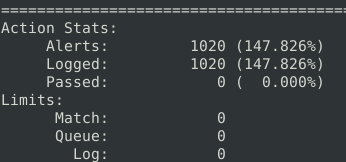
1020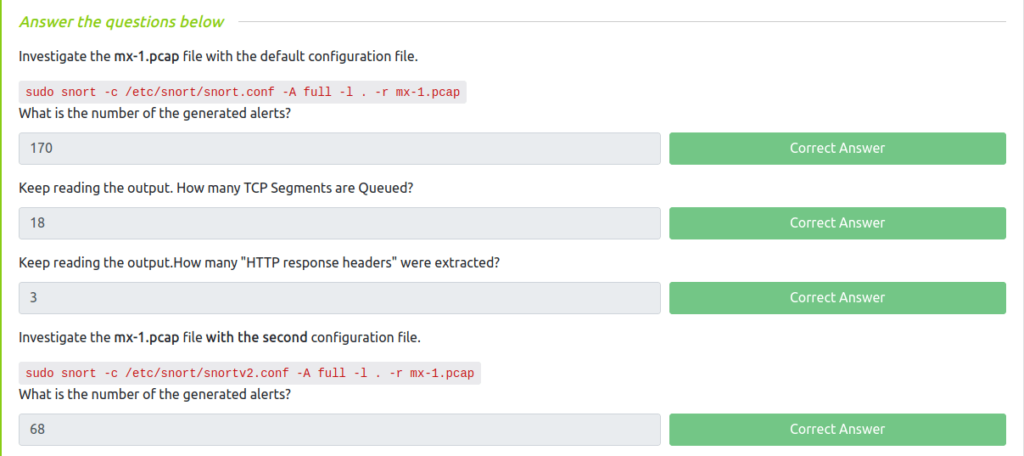
Task 9 – Snort Rule Structure
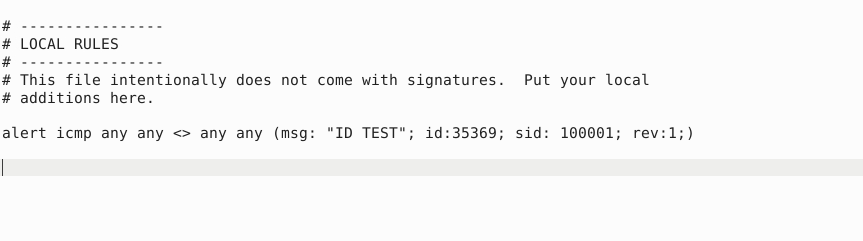
Question 1 – Write a rule to filter IP ID “35369” and run it against the given pcap file. What is the request name of the detected packet? snort -c local.rules -A full -l . -r task9.pcap
alert icmp any any <> any any (msg: "ID TEST"; id:35369; sid: 100001; rev:1;)
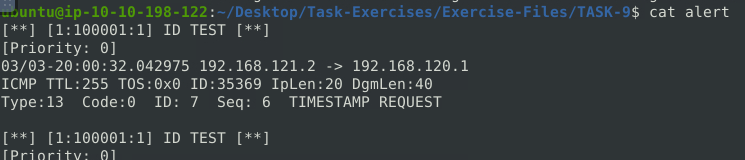
TIMESTAMP REQUESTQuestion 2 – Create a rule to filter packets with Syn flag and run it against the given pcap file. What is the number of detected packets?
alert tcp any any <> any any (msg: "FLAG TEST"; flags:S; sid: 100001; rev:1;)
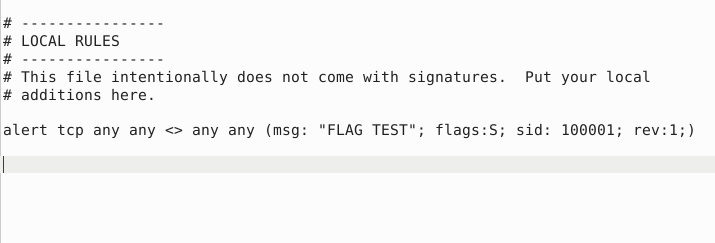

1Question 3 – Write a rule to filter packets with Push-Ack flags and run it against the given pcap file. What is the number of detected packets?
alert tcp any any <> any any (msg: "FLAG TEST"; flags:PA; sid: 100001; rev:1;)
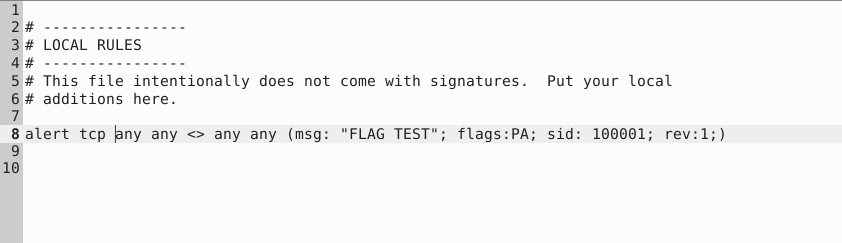
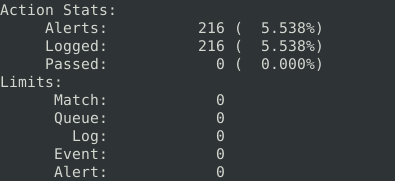
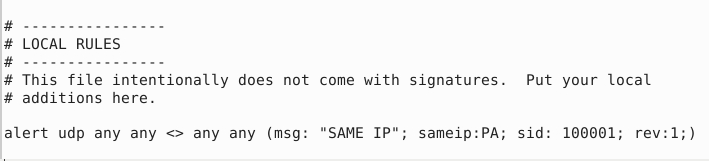
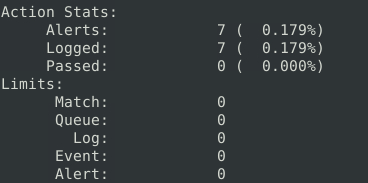
216Question 4 – Create a rule to filter packets with the same source and destination IP and run it against the given pcap file. What is the number of detected packets?
alert tcp any any <> any any (msg: "SAME IP"; sameip:PA; sid: 100001; rev:1;)
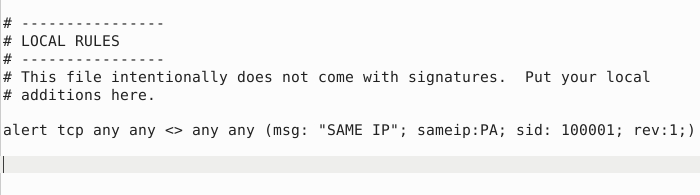
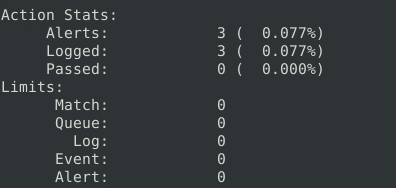
alert udp any any <> any any (msg: "SAME IP"; sameip:PA; sid: 100001; rev:1;)
10Question 5 – Case Example – An analyst modified an existing rule successfully. Which rule option must the analyst change after the implementation?
rev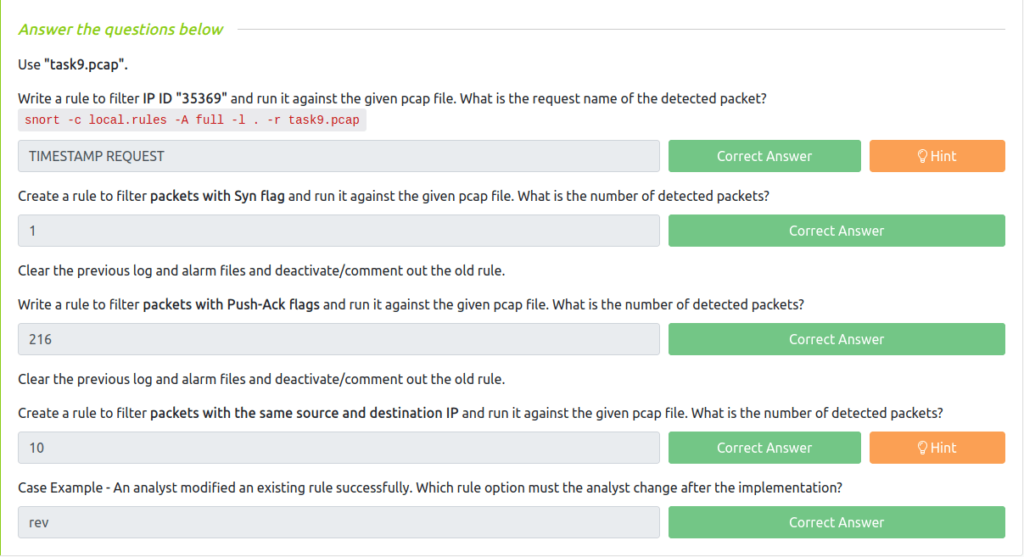
Task 10 – Snort2 Operation Logic: Points to Remember
Question 1 – Read the task above.
Done
Task 11 – Conclusion

Also Read: Tryhackme – Searchlight (IMINT)
So that was “Snort” for you. In this room, we have learned how to use Snort to detect real-time threats, analyse recorded traffic files and identify anomalies. We took a deep dive on the usage of Snort and its configuration with different rules. At last, completed the room by answering bunch of questions related to the associated tasks. On that note, i will take your leave but stay tuned for the next one and till then, remember to “Hack the planet”.