In this walk through, we will be going through the Nmap Live Host Discovery room from Tryhackme. This room will teaches us the usage of Nmap to discover live hosts using ARP scan, ICMP scan, and TCP/UDP ping scan. So, let’s get started without any delay.
Table of Contents
Task 1 – Introduction
Question 1 – Some of these questions will require the use of a static site to answer the task questions, while others require the use of the AttackBox and the target VM.
Done
Task 2 – Subnetworks
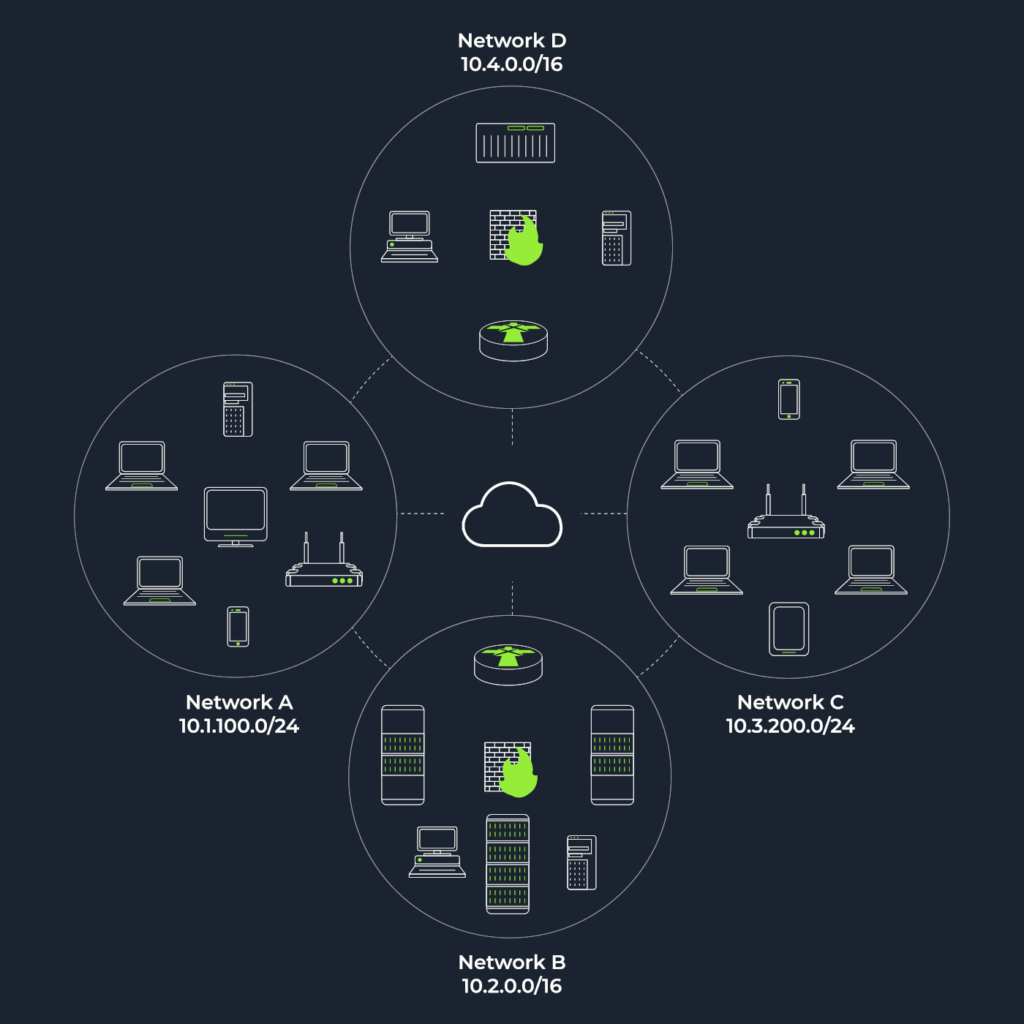
Question 1 – How many devices can see the ARP Request?
4Question 2 – Did computer6 receive the ARP Request? (Y/N)
N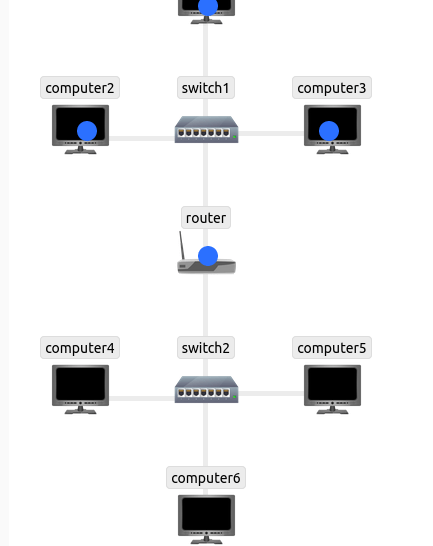
Send a packet with the following:
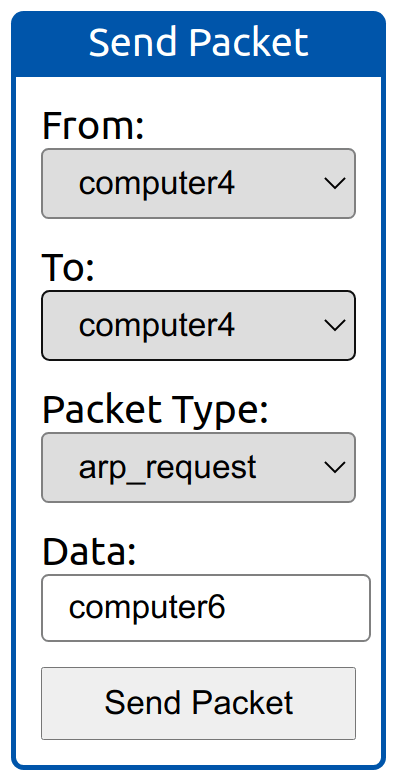
From computer4
- To computer4 (to indicate it is broadcast)
- Packet Type: “ARP Request”
- Data: computer6 (because we are asking for computer6 MAC address using ARP Request)
Question 3 – How many devices can see the ARP Request?
4Question 4 – Did computer6 reply to the ARP Request? (Y/N)
YTask 3 – Enumerating Targets
Question 1 – What is the first IP address Nmap would scan if you provided 10.10.12.13/29 as your target?
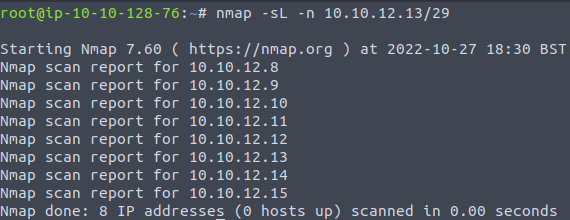
10.10.12.8Question 2 – How many IP addresses will Nmap scan if you provide the following range 10.10.0-255.101-125?
6400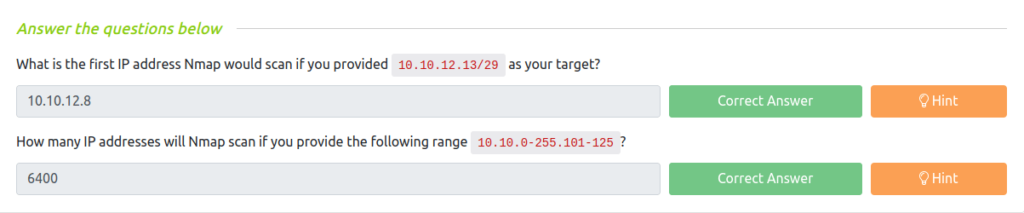
Task 4 – Discovering Live Hosts
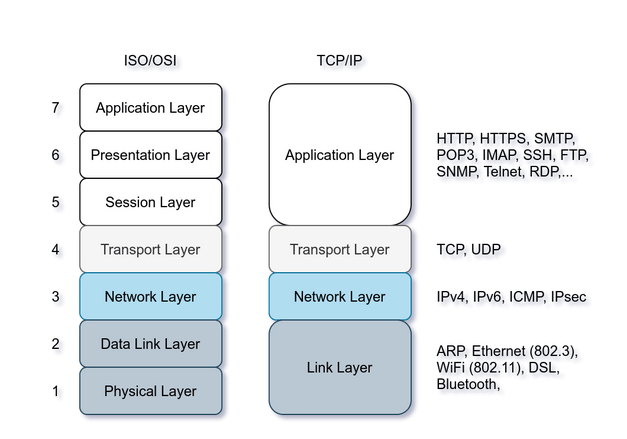
Question 1 – What is the type of packet that computer1 sent before the ping?
ARP RequestQuestion 2 – What is the type of packet that computer1 received before being able to send the ping?
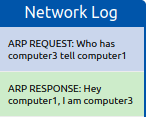
ARP ResponseQuestion 3 – How many computers responded to the ping request?
1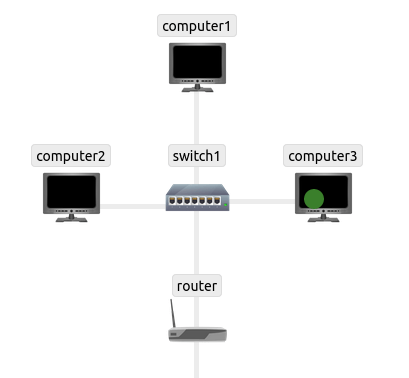
Send a packet with the following:
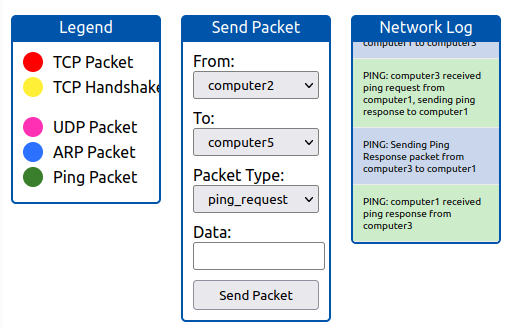
- From computer2
- To computer5
- Packet Type: “Ping Request”
Question 4 – What is the name of the first device that responded to the first ARP Request?
routerQuestion 5 – What is the name of the first device that responded to the second ARP Request?
computer 2Question 3 – Send another Ping Request. Did it require new ARP Requests? (Y/N)
N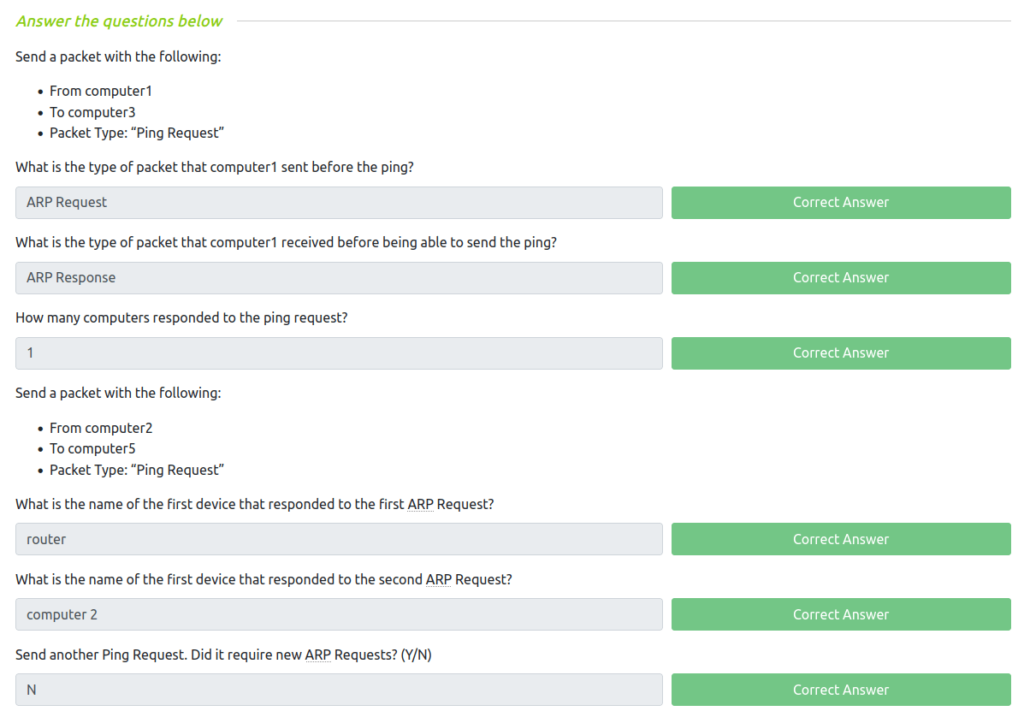
Task 5 – Nmap Host Discovery Using ARP
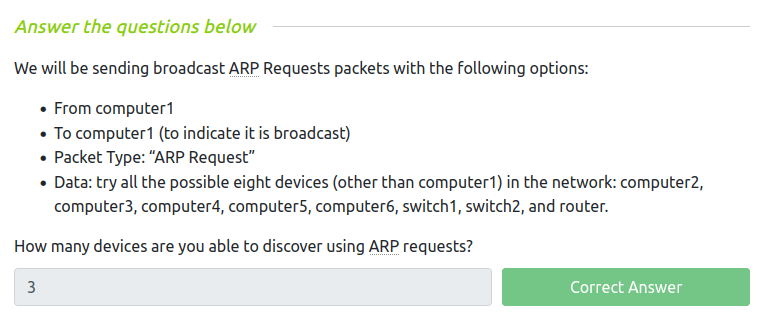
Question 1 – How many devices are you able to discover using ARP requests?
3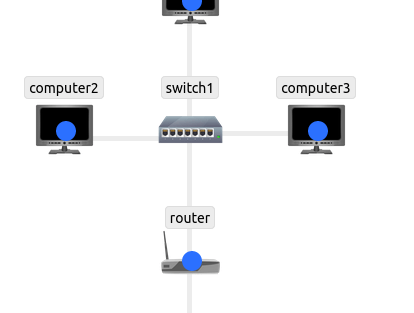
Task 6 – Nmap Host Discovery Using ICMP
Question 1 – What is the option required to tell Nmap to use ICMP Timestamp to discover live hosts?
-PPQuestion 2 – What is the option required to tell Nmap to use ICMP Address Mask to discover live hosts?
-PMQuestion 3 – What is the option required to tell Nmap to use ICMP Echo to discover life hosts?
-PE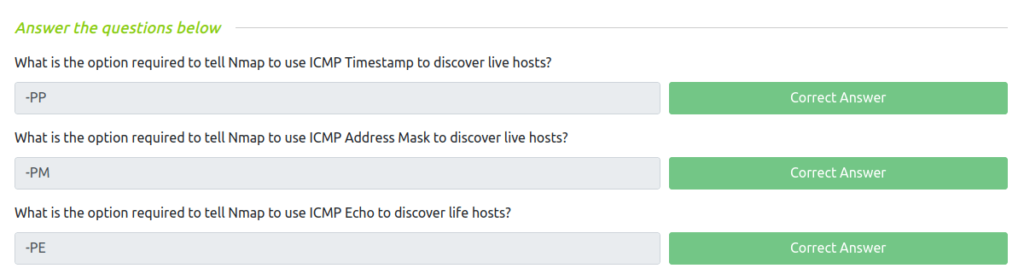
Task 7 – Nmap Host Discovery Using TCP and UDP
Question 1 – Which TCP ping scan does not require a privileged account?
TCP SYN pingQuestion 2 – Which TCP ping scan requires a privileged account?
TCP ACK pingQuestion 3 – What option do you need to add to Nmap to run a TCP SYN ping scan on the telnet port?
-PS23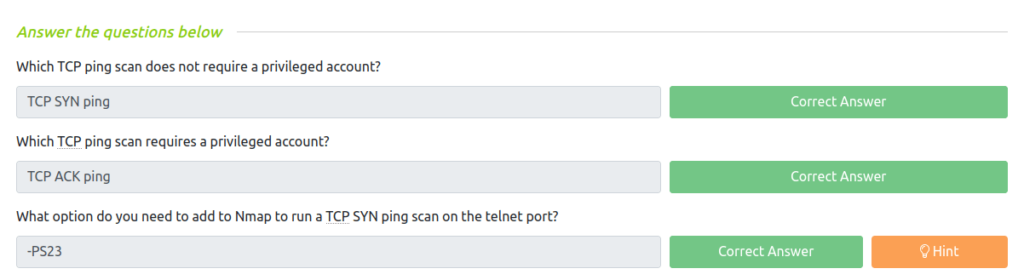
Task 8 – Using Reverse-DNS Lookup
Question 1 – We want Nmap to issue a reverse DNS lookup for all the possibles hosts on a subnet, hoping to get some insights from the names. What option should we add?
-R
Task 9 – Summary
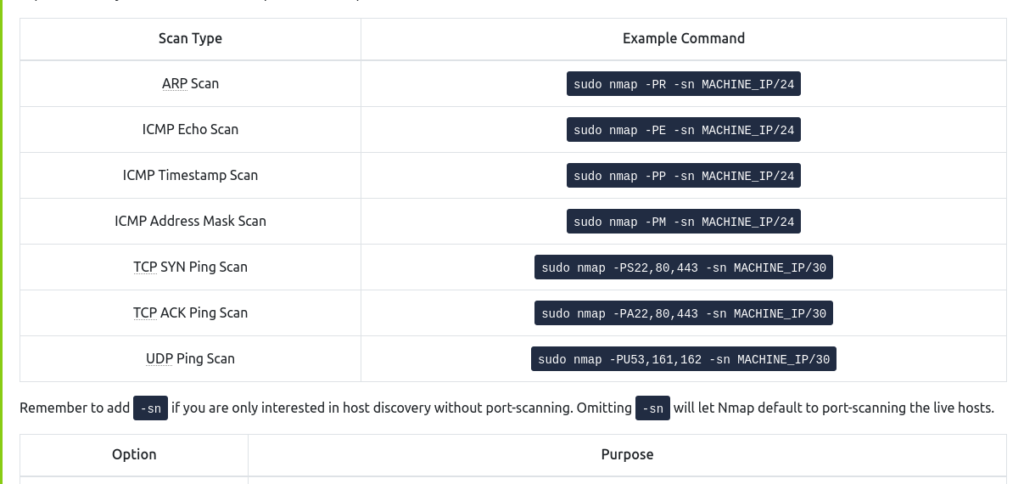
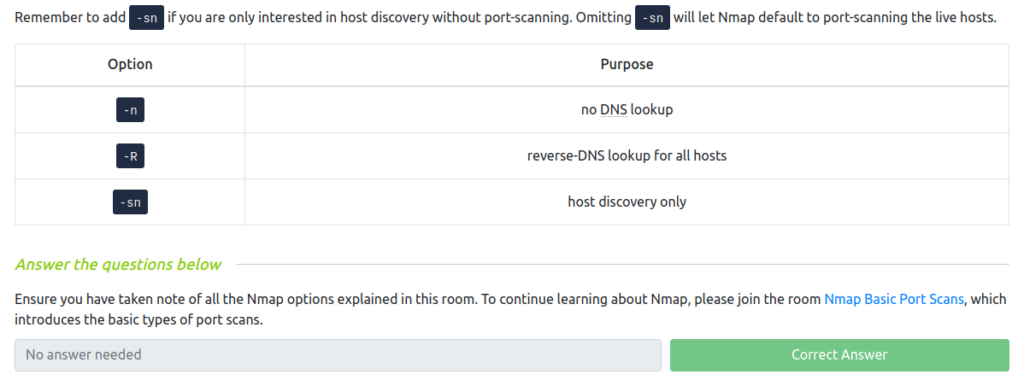
Also Read: Tryhackme – Mr Robot CTF
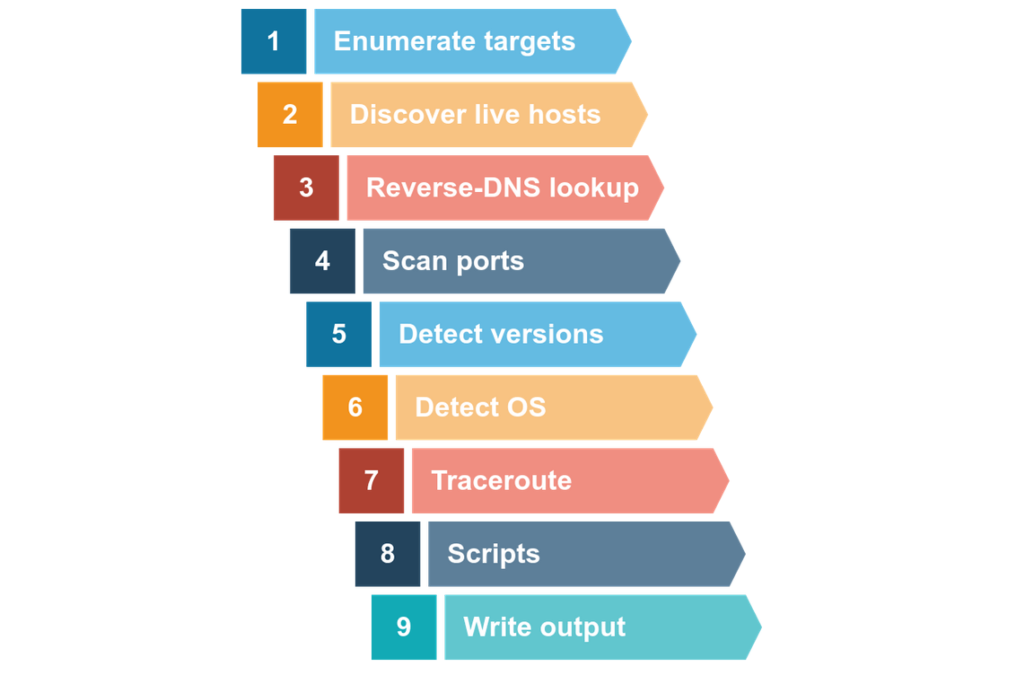
So that was “Nmap Live Host Discovery” for you. In this room, we have covered one of the most popular scanning and enumeration tool – Nmap. We have learned the usage of Nmap to discover live hosts using ARP scan, ICMP scan, and TCP/UDP ping scan and Reverse DNS lookup. On that note, i will take your leave. Till then, “Happy hacking”.